Automating Your Morning Routine with Smart Alarms
Mornings often set the tone for the rest of the day. For many, the transition from sleep to a productive schedule involves a series of manual steps: responding to an alarm, adjusting lighting, starting the kettle, and checking the weather. Each decision consumes a small amount of attention and energy. Over time, these repeated micro-tasks can contribute to a sense of rush and fragmentation. A different approach involves using technology to automate parts of this sequence, creating a smoother start.
Smart alarms are not merely digital replacements for traditional clock radios. They are part of an interconnected ecosystem that can coordinate various devices in the home. By integrating with other smart appliances, an alarm can trigger a chain of actions that prepare your environment while you transition from sleep to wakefulness. This article explores how such systems function, the components involved, and the considerations for implementing them in a typical UK household. The focus is on describing the process and the underlying technology, rather than promising a perfect morning.
The Role of Smart Alarms in a Connected Morning
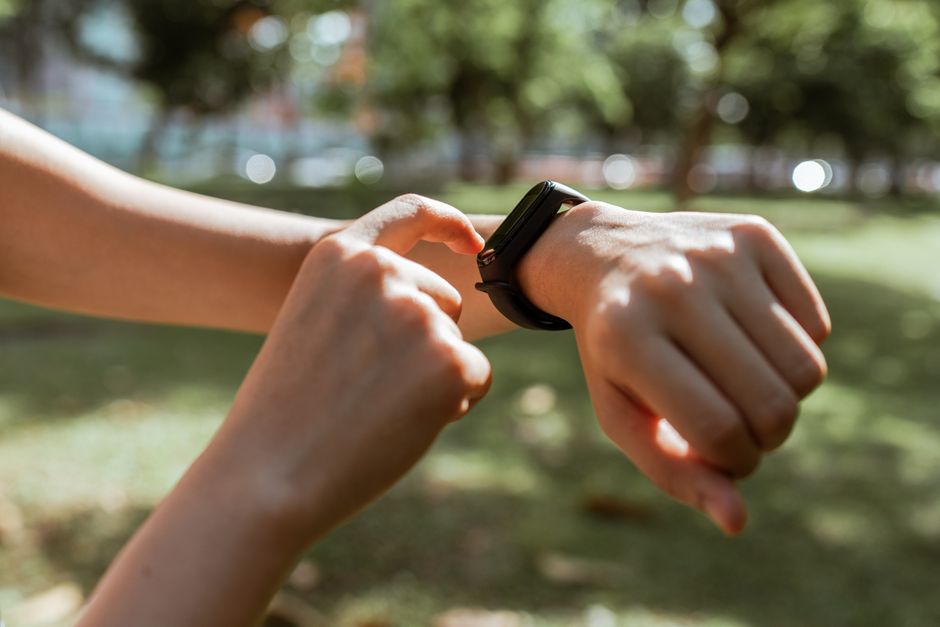
A smart alarm goes beyond sounding at a set time. Many devices can monitor sleep patterns using sensors or connect to wearable bands, aiming to wake you during a lighter sleep phase. This is intended to reduce grogginess, although individual results can vary. The data collected by these alarms can be analysed over time, providing insights into sleep duration and consistency. This information may help users understand their routines better, but it is not a medical diagnostic tool.
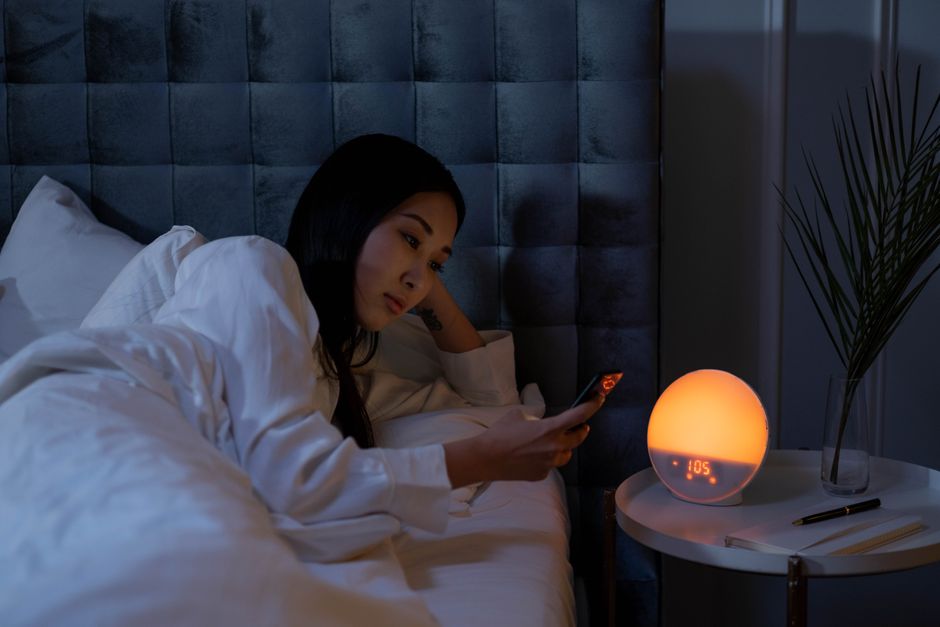
The core functionality of a smart alarm lies in its connectivity. Using standards like Wi-Fi, Bluetooth, or Zigbee, these devices communicate with a central hub or directly with other gadgets. For example, when the alarm is dismissed, a signal can be sent to a smart plug to start the coffee maker. Simultaneously, smart bulbs in the bedroom can gradually increase brightness, mimicking a natural sunrise. Such interactions are typically configured via a companion app, where users set triggers and actions. The process requires initial setup and occasional adjustments, but the goal is to reduce the number of manual tasks each morning.
It is important to note that the effectiveness of such automation depends on the reliability of the devices and the stability of the network. Troubleshooting may be necessary when devices fail to respond as expected. Furthermore, user preferences play a significant role; some may prefer a gentle transition, while others opt for a more immediate wake-up. Therefore, the design of a smart alarm system should be flexible enough to accommodate individual routines.
Integrating with Other Connected Devices
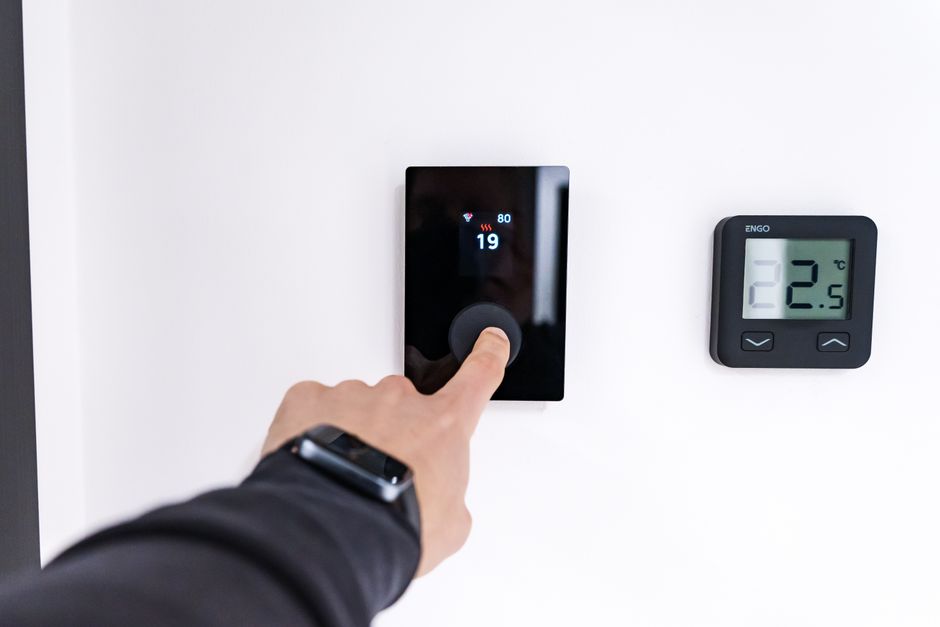
The true potential of a smart alarm is realised when it collaborates with other connected devices. Beyond lighting and coffee, many other morning tasks can be automated or streamlined. For instance, smart thermostats can adjust the heating so that the house is comfortable when you step out of bed. This can be programmed to coincide with your typical wake-up time, even before the alarm sounds. Similarly, smart blinds can open gradually, letting in natural light, which may support the body’s circadian rhythm.
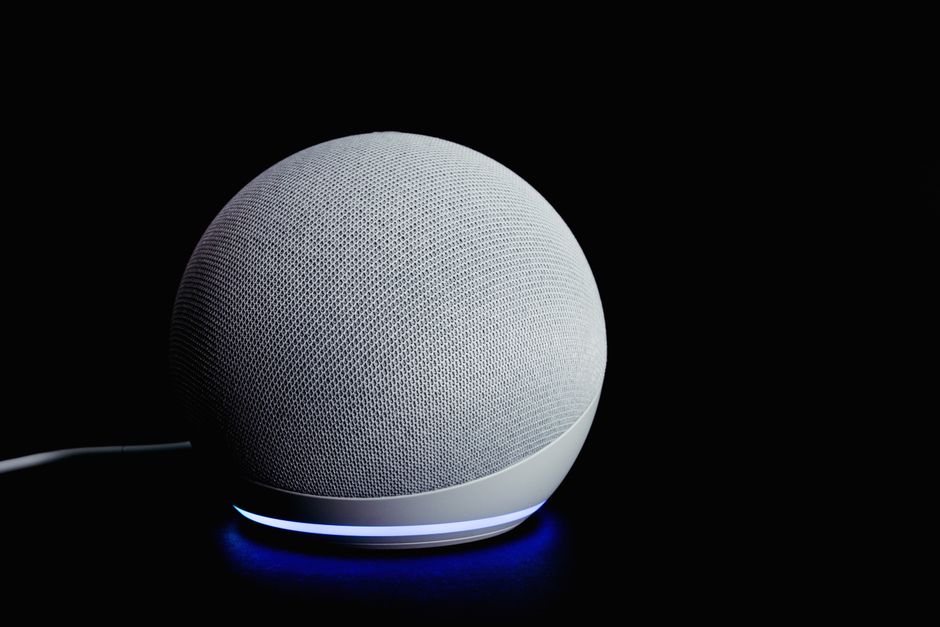
Another area is information delivery. Many smart speakers with displays can be set to show the day’s calendar, weather forecast, or traffic conditions as soon as you wake. This reduces the need to check multiple sources and helps with planning. Some systems can even read the news headlines aloud while you prepare breakfast. These integrations are made possible through open APIs and smart home platforms like Google Home, Amazon Alexa, or Apple HomeKit. When choosing devices, compatibility is key. Ensuring that all gadgets recognise each other and can be controlled from a single interface simplifies the automation process.
However, setting up such a system involves a learning curve. Users must familiarise themselves with the respective apps and possibly create routines or scenes. For example, a „morning routine“ in a smart home app can combine several actions: turn on lights, start the kettle, and play a specific playlist. The sequence can be manually triggered or tied to the alarm’s dismissal. It is advisable to start with a few automations and gradually expand as confidence grows. Moreover, considering security, it is prudent to use robust passwords and keep firmware updated to mitigate potential vulnerabilities.
Data, Privacy, and Customisation
Smart alarms and connected systems collect data about your habits, such as sleep patterns, wake times, and device usage. This information can be valuable for personalising the experience. For example, the alarm might learn that you often snooze on weekdays and adjust the timing accordingly. However, this data also raises privacy considerations. Users should review privacy policies of the devices and platforms they use. Many companies offer options to limit data collection or delete historical data. Being aware of how your data is stored and processed is essential when integrating more devices into your home.
Customisation is another important aspect. A smart alarm system should allow you to define parameters such as wake-up window, light intensity, and sound types. Some alarms offer a range of natural sounds or radio stations, while others allow you to upload your own audio. The flexibility to tailor these elements contributes to a more pleasant experience. It is also possible to set different schedules for weekdays and weekends, accommodating varied routines. Many apps enable you to create profiles for different family members, each with their own preferences.
Despite the convenience, it is vital to maintain a degree of manual control. Automated systems can malfunction or lose connection. Having a backup plan, such as a traditional alarm clock or your phone’s built-in alarm, ensures that you are not solely dependent on technology. This aligns with the principle of redundancy in smart home design. In summary, while smart alarms offer a range of customisation options, they should be configured thoughtfully, keeping both personal comfort and practical reliability in mind.
Practical Steps to Automate Your Morning
If you are considering automating your morning routine, it is helpful to follow a structured approach. First, assess your current routine and identify tasks that could be automated without losing personal touch. Common candidates include adjusting lights, preparing hot beverages, and acquiring information. Next, choose compatible devices that fit your budget and needs. Smart bulbs, plugs, speakers, and thermostats are popular options. Ensure that they can communicate with each other, either natively or through a hub.
Once you have the devices, set up a central platform or app that can manage them. Most ecosystems offer guided setup and pre-defined routines. Start by creating a simple routine: for example, when you dismiss the alarm, turn on the bedroom and kitchen lights. Test this thoroughly and adjust timings or settings as needed. Gradually add more steps, such as starting the coffee maker or playing a news briefing. Remember to review your routine periodically, as your preferences or schedules may change.
Finally, consider integrating your smart alarm with other systems if beneficial. For instance, linking it to your calendar might enable the alarm to adjust based on upcoming appointments. However, be cautious about over-automation; the goal is to simplify, not to introduce complexity. It is also advisable to share access with trusted family members, if relevant, so that the system can be managed collectively. By taking incremental steps, you can build a morning routine that leverages technology effectively while maintaining adaptability.
Considerations and Limitations
While smart alarms offer numerous possibilities, there are practical limitations to acknowledge. The reliability of wireless connections can be affected by network congestion or interference, which might cause delays in automation. Battery-operated devices may require periodic charging or replacement, and sensors might need calibration. Additionally, the initial cost of purchasing multiple smart devices can be considerable. However, many entry-level products are available at reasonable prices, and users can prioritise which aspects to automate first.
Another consideration is the learning curve and ongoing maintenance. Software updates may change the user interface or introduce new features, requiring adaptation. Integrating devices from different manufacturers can sometimes lead to compatibility issues, although industry standards like Matter are aimed at improving interoperability. It is wise to select products that support open standards to ensure future compatibility. Furthermore, there is a potential for over-reliance on technology, which might become problematic during outages. Keeping a manual override option is always a good practice.
From a health perspective, it is worth mentioning that waking up with the assistance of light and sound is generally considered safe for most individuals. However, those with light sensitivity or certain medical conditions should consult appropriate professionals. The information provided by sleep tracking features is not a substitute for medical advice. It serves as a guideline for self-observation, not a diagnosis. As with any technology, users should make informed decisions based on their specific circumstances.
In the realm of automation, the goal is not to dictate your morning but to provide a supportive framework that respects your personal rhythm and preferences.
In conclusion, automating your morning routine with smart alarms involves leveraging interconnected devices to streamline tasks and enhance comfort. The process requires thoughtful planning, selection of compatible components, and a willingness to adapt. While technology can simplify certain aspects, the overall effectiveness depends on user engagement and careful configuration. By approaching this as a tool for convenience rather than a guarantee, individuals can enjoy a more synchronized start to their day, provided they consider the various factors discussed. As with any technological adoption, staying informed and practicing mindful usage are key.